
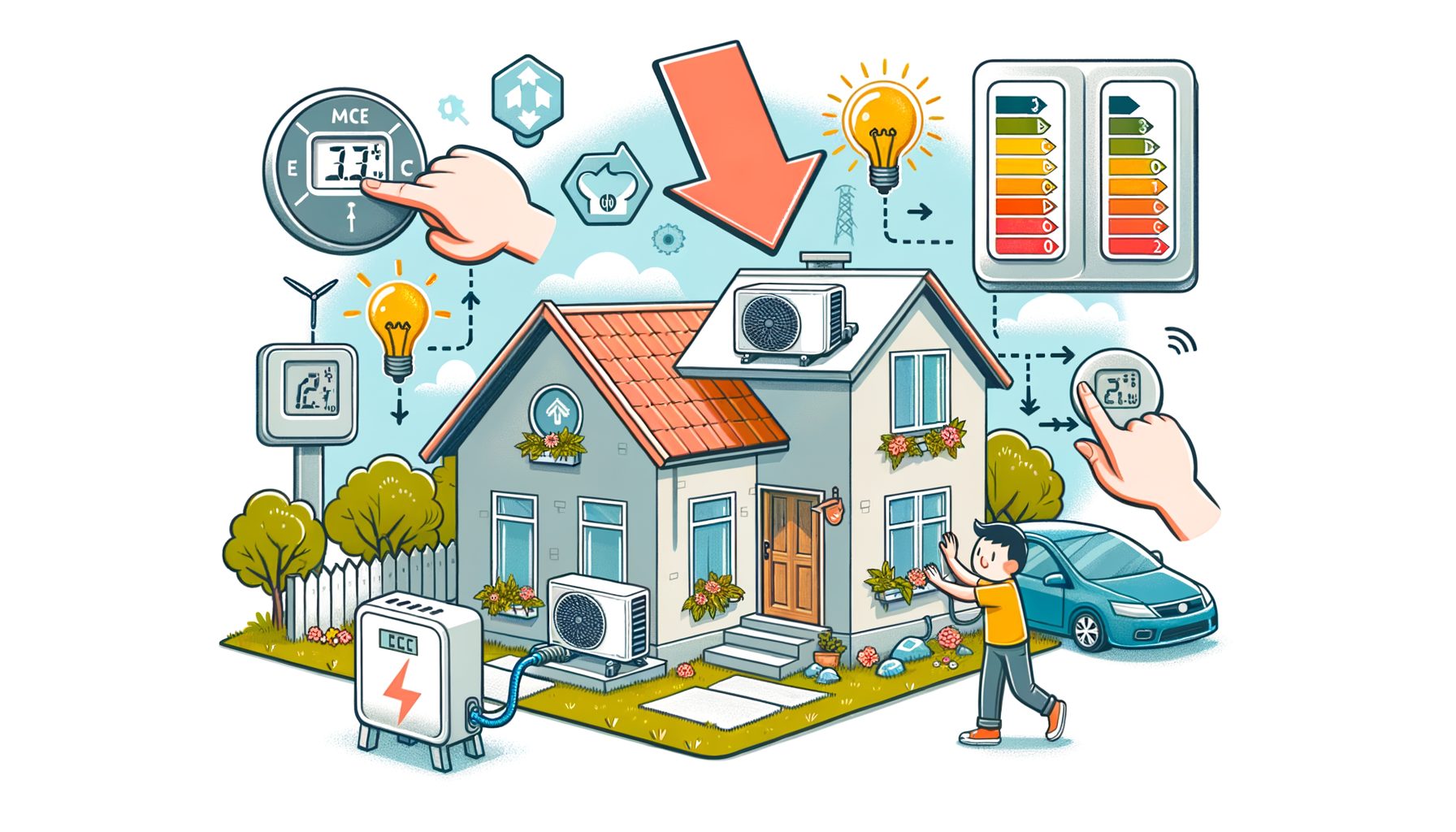
Heat waves stretch longer each year, energy prices swing, and cooling keeps many households healthy and productive. Here is the challenge in plain terms: use less electricity while the AC stays on—and stay comfortable. The upside? Smarter settings, low-cost fixes, and a few tech upgrades can cut cooling costs by double digits. In this guide, you will learn what really drives AC power draw and get step-by-step actions that work in apartments, shared houses, and family homes worldwide.
Understand What Really Drives Your AC Power Bill
An electricity bill reflects more than run time; it shows how hard the unit works to pull out heat and humidity. Key drivers include outdoor temperature, indoor setpoint, humidity levels, leaks around doors and windows, solar heat through glass, the AC’s efficiency rating, and how well the space is insulated. Collectively, those factors define the “cooling load.” Lower the load and you can keep comfort while using less electricity.
Begin with the hardware. When running, window and portable units often draw 500–1,500 W. For reference, a 1-ton (12,000 BTU/h) unit with an Energy Efficiency Ratio (EER) of 10 typically draws around 1,200 W; an inverter split with a higher Seasonal Energy Efficiency Ratio (SEER) or Seasonal Performance Factor (SPF) can average far less during steady operation because it modulates speed instead of cycling at full blast. Not sure what yours uses? Check the nameplate label, the energy guide sticker, or plug it into a smart plug that tracks kWh.
Humidity often hides in plain sight. Air that is humid feels hotter because sweat evaporates more slowly. As a result, your setpoint needs to be lower to feel comfortable, and the AC runs longer to remove moisture. Keeping indoor relative humidity around 40–55% often lets you raise the temperature setpoint by 1–2°C (2–4°F) without losing comfort.
Sunlit glass can dominate the load. South- or west-facing windows can act like radiators in the afternoon. Without shades or films, the room can gain hundreds of watts of heat, forcing the AC to work harder. Simple shading cuts that solar gain substantially.
To visualize the impact, consider the typical power draw and cost for common room sizes. These are ballpark figures; actual numbers vary by efficiency, climate, and usage patterns.
| Room Size | Typical AC Capacity | Average Power Draw | kWh in 8 Hours | Cost at $0.15/kWh |
|---|---|---|---|---|
| Small bedroom (10–15 m²) | 0.8–1.0 ton (9k–12k BTU) | 500–900 W (inverter lower) | 4–7.2 kWh | $0.60–$1.08 |
| Medium living room (20–30 m²) | 1.5 ton (18k BTU) | 900–1,400 W | 7.2–11.2 kWh | $1.08–$1.68 |
| Open-plan area (35–45 m²) | 2.0 ton (24k BTU) | 1,200–1,800 W | 9.6–14.4 kWh | $1.44–$2.16 |
These ranges show why small tweaks compound: a 15% reduction in runtime or power on a 1.5-ton unit saves roughly 1–1.7 kWh in an evening, which adds up across a month. Before making changes, perform a simple audit: note your current setpoint, typical runtime, filter condition, and where the sun hits your windows. That baseline helps you track savings after each improvement. You can use free guidance from Energy Saver by the U.S. Department of Energy to understand cooling loads and efficiency ratings.
Optimize AC Settings and Daily Habits for Quick Wins
Of all tactics, thermostat strategy is the quickest win. A practical starting setpoint is around 26–27°C (78–80°F) when you are home and awake, then 28–29°C (82–84°F) or “Eco” when away. The U.S. Department of Energy notes that adjusting thermostats by 7–10°F for 8 hours a day can save up to about 10% annually on heating and cooling. In cooling mode, a handy rule of thumb: each 1°C (about 2°F) higher can trim roughly 3–5% off AC electricity use, depending on climate and building conditions.
Lean on built-in modes. “Eco” or “Energy Saver” cycles the compressor less aggressively. “Dry” mode dehumidifies with less compressor time, which can boost comfort in humid climates while drawing less power than full “Cool.” At night, “Sleep” mode gradually raises the setpoint as your body needs less cooling; you get comfort and less runtime.
Fans are low-power allies. A ceiling fan typically draws 10–30 W on low and 40–75 W on high—far below even a small AC. Comfort is improved by moving air across your skin, which increases evaporative cooling and makes 26–27°C (78–80°F) feel much better. As a result, you can raise your AC setpoint by 1–2°C. Place a small oscillating fan to push cool air from the AC outlet across the room rather than blasting the AC at its coldest setting.
Plan cooling around your routine. If your AC or smart plug supports scheduling, pre-cool the space slightly before peak heat, then maintain a higher setpoint during the most expensive hours (on time-of-use tariffs). With thick walls or good insulation, a short pre-cool can hold comfort longer. Avoid large setpoint swings that force full-power operation; small, steady adjustments are more efficient with inverter units.
Trim avoidable heat gains. Close blinds or curtains on sun-facing windows during the day. Cook with smaller appliances (microwave, air fryer) or shift heavy cooking to cooler hours. Keep interior doors closed to avoid cooling unused areas. Turn off or sleep high-heat devices like gaming PCs when not in active use. Every watt of heat your devices emit is one more watt the AC must remove.
When the climate allows it, use night ventilation wisely. If outdoor air is cooler and dry, open windows for cross-breezes, then close and shade early in the morning to trap the cool. In hot-humid regions, prioritize dehumidification and shading over nighttime ventilation to prevent moisture buildup.
Prepare Your Home: Seal, Shade, and Maintain
Picture your home as a thermos: the tighter it is, the less cooling leaks out. Start with weatherstripping around doors and operable windows; even small gaps let hot air infiltrate. Use foam or rubber strips for door bottoms and window sashes, and seal fixed cracks with caulk. Renters can choose non-permanent options like removable draft stoppers or tension rod curtains to create an extra air barrier at night.
Tackle sunlight in layers. Reflective blinds, blackout curtains, or cellular shades can reduce solar heat entering your space. For windows that receive strong afternoon sun, stick-on low-e or reflective films can block a significant portion of solar heat while keeping visibility. Even better is exterior shading: awnings, exterior blinds, and plants reduce heat before it reaches the glass. In apartments, a simple reflective shade mounted inside and kept closed during peak sun can noticeably lower room temperature and humidity.
Deal with humidity head-on. If indoor relative humidity stays above 60%, rooms feel muggy and you will dial the setpoint lower to cope. A standalone dehumidifier typically uses 250–500 W, but lowering humidity often lets you raise the AC setpoint by 1–2°C, which can net out as a savings in many climates. In very humid regions, running “Dry” mode on your AC or using a dehumidifier for a couple of hours in the evening can reduce overnight AC runtime.
Maintenance pays back fast. Filters should be cleaned or replaced every 1–3 months in cooling season—more often with pets or smoke. When filters clog, airflow is restricted and the compressor runs longer at higher pressure. Keep the indoor coil fins dust-free (vacuum gently) and clear debris and vegetation from the outdoor condenser to ensure proper heat exchange. In ducted systems, sealing leaky ducts can reclaim a substantial share of cooling energy otherwise lost in attics or crawl spaces.
Cool only where you need it. Close doors to reduce spillover and focus the cold air. With multiple indoor units, set different setpoints by zone. For a single split serving multiple spaces, partial doors or curtains can create micro-zones so you stay comfortable where you sit, sleep, or study without chilling the entire home.
Here is a quick real-world example: in a 25 m² living room with a west-facing window, one renter added a reflective film, closed curtains from noon, sealed a 1 cm door gap with a sweep, and cleaned a visibly dusty filter. Over the next two weeks, smart plug logs showed an 18% drop in average evening power draw compared with the two weeks prior, with the same setpoint and weather pattern. Small, stackable fixes deliver compounding savings.
Smarter Tech and Upgrades With Clear ROI
Big retrofits are not required to save energy, but the right tech amplifies results and helps them stick. Begin by measuring. A Wi‑Fi smart plug with energy metering or a whole-home energy monitor shows real-time watts and kWh. Once you see the effect of opening blinds or nudging the setpoint, good habits become easier. Some smart plugs also support schedules and geofencing to shut the AC off when you leave.
Automation adds another layer. Smart thermostats or smart controllers for mini-splits can target temperature and humidity, run “Eco” schedules, and use geofencing. If your utility offers demand-response programs, enroll your thermostat to pre-cool slightly and ride through short peak events—bill credits are common. Time-of-use tariffs are spreading globally; by shifting 30–60 minutes of heavy cooling from peak to off-peak with a small pre-cool, you reduce both kWh and the price per kWh.
When replacing equipment, weigh efficiency carefully. Inverter/variable-speed units with high SEER/SEER2 (or CSPF/SCOP outside North America) maintain comfort with lower average power draw, especially at partial loads common in real life. Right-sizing matters: oversized units short-cycle, waste power, and do a poor job removing humidity. While shopping, compare efficiency labels and seek local rebates or incentives for heat pumps and high-efficiency AC. In many markets, upgrading from an older fixed-speed unit to a modern inverter can cut cooling electricity by 20–40% in typical use.
Homeowners with strong sun exposure can use rooftop solar to offset daytime cooling. Even a modest PV system can cover a large fraction of afternoon AC load. Combine that with shading and a smart schedule, and net grid use drops dramatically. Renters still have options: stick-on window films, portable fans, and smart plugs often pay back almost immediately.
Well, here it is: a quick guide to typical savings ranges from common measures. Your results will vary by climate, building, and behavior, but the direction holds consistently across studies and field tests.
| Measure | Typical Savings Range | Notes |
|---|---|---|
| Raise setpoint by 1°C (≈2°F) | 3–5% of AC kWh | Higher impact in hot-dry climates |
| Ceiling/oscillating fan plus +1–2°C setpoint | 5–15% | Very low cost; improves perceived comfort |
| Close blinds/films on sun-facing glass | 5–20% | Largest gains on west-facing windows |
| Filter and coil maintenance | 5–15% | Prevents airflow restrictions and high pressure |
| Weatherstripping and door sweeps | 5–10% | Reduces hot air infiltration |
| Upgrade to inverter/high-SEER unit | 20–40% | Bigger savings at partial loads |
| Smart scheduling/TOU shift | Bill savings 5–15% | kWh and price-per-kWh both improve |
For credible efficiency comparisons and buying tips, check ENERGY STAR’s guidance and the International Energy Agency’s work on efficient cooling. Many countries and regions also publish their own efficiency labels and rebate programs; a quick search with your city name plus “AC rebate” often uncovers incentives that shorten payback.
Q&A: Quick Answers to Common Cooling Questions
Q: Is it better to turn the AC off when I leave or keep it running at a higher temperature? A: In most cases, setting a higher temperature (or using “Eco”/“Away”) when you leave saves energy compared with keeping it cold. With inverter units and decent insulation, a small pre-cool before you return balances comfort and savings.
Q: What indoor temperature is the best balance of comfort and efficiency? A: Many agencies recommend around 26–27°C (78–80°F) when home. Pair that with a ceiling or desk fan and humidity control to avoid overcooling.
Q: Do fans actually cool the room? A: Fans cool people, not rooms. Air movement increases evaporative cooling on your skin. Switch them off when you leave the room to avoid wasting a small amount of power.
Q: How often should I change AC filters? A: Check monthly during heavy use and replace or clean every 1–3 months. Dusty homes or pets may require more frequent changes to keep airflow strong and power use lower.
Q: Will a dehumidifier increase or decrease total energy use? A: It depends on your climate. In humid areas, removing moisture often lets you raise the temperature setpoint and reduce total AC runtime, which can net a savings. In dry climates, skip it.
Conclusion: Turn Small Actions Into Lasting, Lower Bills
Cooling protects comfort, productivity, and health—especially during heat waves. You can cut electricity use while running your home air conditioner by working on three fronts: reduce the cooling load (seal, shade, and maintain), optimize how the AC runs (smarter setpoints, modes, and schedules), and add simple tech for visibility and control (smart plugs, thermostats, and, when the time comes, an efficient inverter upgrade). The data and examples above indicate that 15–30% savings are realistic for many homes without sacrificing comfort.
Get started with a 7-day plan. Day 1: log your current setpoint, runtime, and power draw using your meter or a smart plug. Day 2: clean the filter and clear the outdoor unit. Day 3: seal the draftiest door or window. Day 4: add or close blinds on sun-facing windows. Day 5: set 26–27°C (78–80°F) plus a fan, and try “Sleep” mode at night. Day 6: program a schedule or use geofencing to avoid cooling an empty home. Day 7: compare your kWh. Keep what works, adjust what does not, and iterate.
Ready to invest? Prioritize a high-efficiency inverter unit sized correctly for your room, and check local rebates or incentives. Homeowners can explore rooftop solar to offset daytime cooling. Renters can focus on portable, reversible changes like films, curtains, door sweeps, and smart plugs. In all cases, visibility beats guesswork—seeing your real-time watts turns energy saving into a simple, motivating game.
Your next step: pick two actions from this guide and implement them before the next hot afternoon. Then review your power data and raise your setpoint by 1°C with a fan. Repeat next week. Comfort, lower bills, and a smaller carbon footprint can coexist when you stack these small wins. Up for the 7-day challenge to see how many kWh you can save?
Stay cool, be consistent, and let data guide your comfort—one smart change at a time.
Sources and Helpful Links
U.S. Department of Energy – Energy Saver: Cooling tips and thermostat guidance: https://www.energy.gov/energysaver/air-conditioning
ENERGY STAR – Room air conditioners and efficient cooling practices: https://www.energystar.gov/products/room_air_conditioners
International Energy Agency (IEA) – The Future of Cooling and efficient cooling policies: https://www.iea.org/reports/the-future-of-cooling
World Health Organization – Heat and health guidance: https://www.who.int/health-topics/heat
Your local utility’s time-of-use and demand response programs (example aggregator): https://nest.com/energy-partners/